
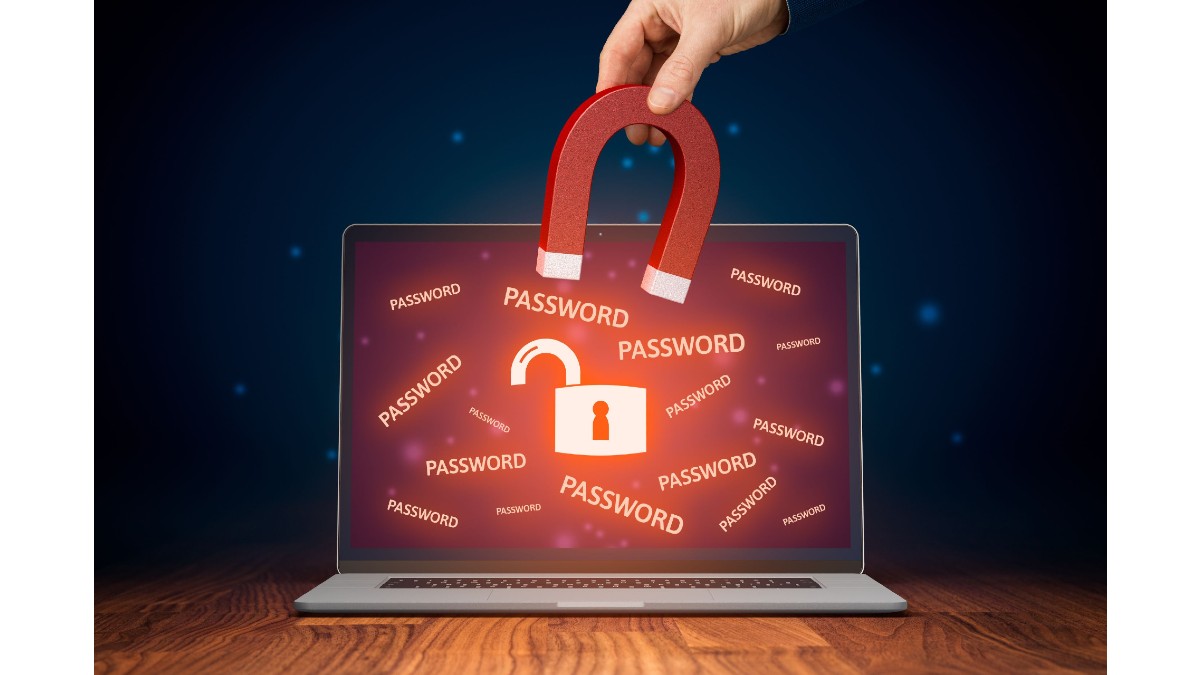
If you are one of those who have a lot of passwords or don't know how to manage them, this article is for you.
By Gigi Agassini, CPP*
We often hear and/or read about the risks and challenges that come with rapid technological evolution. Our daily activities at work, in family, social and personal life are increasingly surrounded by systems and applications that require the use of passwords and users to access them, which has become a challenge from which we are still reluctant to take actions that allow us to manage "those risks". as is the generation of strong and unique keys.
The above (although done in a different way) is not something that emerged with the digital age, it simply evolved. In ancient Greece, the Roman army used "swords" as a password to prove that you were a member of that unit.
Even for the forbidden, passwords were also used; When there were taverns where alcohol was sold clandestinely, the use of a card or a phrase was necessary to allow you access and identify yourself as authorized.
In the early 1960s, a professor of computer science at MIT, Fernando Cobartó, created the first digital password as a solution to a design problem for sharing a computer with multiple users1. As we become more connected, the creation of accounts and passwords becomes overwhelming, so much so that it is easy to forget the username, the email with which we register and, of course, the password to access the system or service we require. 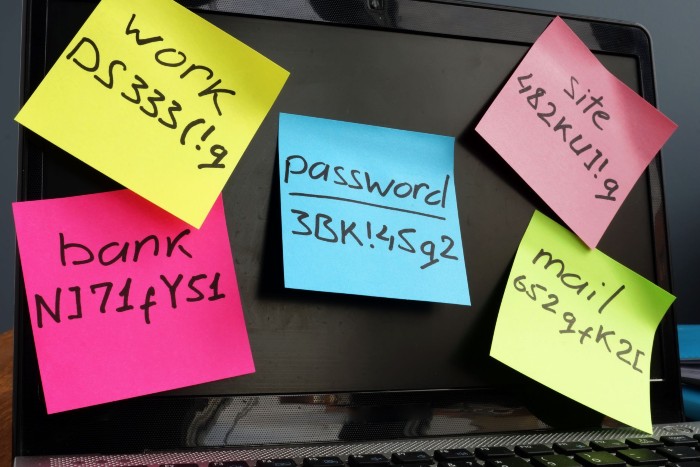
With the popularity of the internet, even the same systems began to ask us for longer passwords; Surely you chose or continue to choose words that are easy to remember (for you) that are related to yourself: the name of a family member, the street or city where you live, the name of your pet, etc., but suddenly we are asked for at least one capital letter, so surely the initial of "your" secret word became capitalized.
But it doesn't end there, with the greater popularity of the internet, now the systems ask us for a number, which I can assure you that for "ease" you include the 1 at the end of your secret word. However, the increase in identity theft, fraud and unauthorized access leads to the reinforcement of the systems so they ask you to include at least one "special character", and I can assume that your special character is the exclamation mark ( ! ) at the end of the 1 of your secret word. This, in addition to the fact that you only use that "password" for all your accounts, "assuring" that you will not forget it.
If you can relate to the above, believe me... You're not alone. As I mentioned, the incremental use of the internet has become a difficult mountain to reach and I regret not having better news, because as we have experienced in recent years it will only continue to increase.
The main reason for requiring longer passwords, with special characters, etc., is simply to increase the security of access to your information, which comes with some responsibility, and best practices tell us the following:
- Create different passwords for each account.
- Passwords should be long, containing capital letters, numbers, and special characters.
- Not to use personal or personally identifiable information.
- Change passwords on a regular basis.
- Keep passwords in a safe place and don't share them.
And it is precisely this last point in which we fail the most as users, as it is common to do exactly the opposite of what good practices suggest to us, in addition to the use of a unique password for all existing accounts.
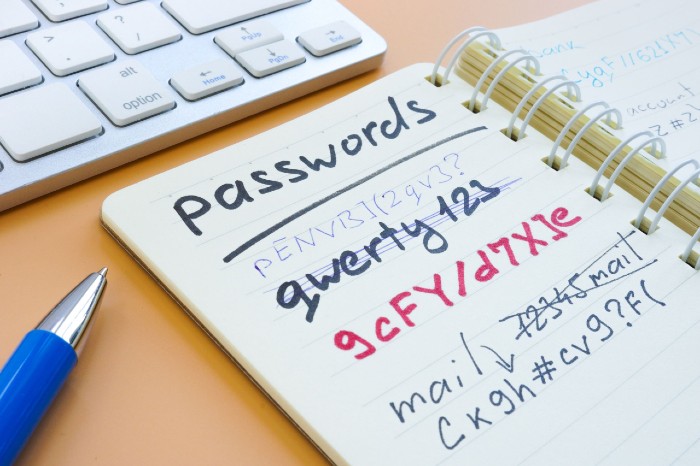
The question then becomes: how do you manage all passwords securely and efficiently? If you're someone who still copies and pastes passwords from a notepad, it's time to think of something that can help you protect them more effectively.
Password managers
And this is where applications such as password managers provide a single master key to simplify and protect your accounts, which have become an essential tool in the digital age, offering a secure solution for the management of multiple online credentials and although there are many opinions about it, we are going to analyze what they are, how you can use them and what the risks are.
They offer significant benefits, such as the automatic generation of complex and unique passwords for each account, secure synchronization between devices, storage of keys in an encrypted database, and the ability to access all your passwords with a single master password. It's especially useful for people who have difficulty remembering complex passwords or who use devices on multiple platforms and aren't in the habit of changing them regularly. However, in highly controlled environments or where advanced authentication systems are used, the need may be less or non-existent.
A password manager accompanies you as you browse the web, carrying your passwords securely like a ring of keys. These programs store usernames and passwords in a database and when you need a new password or change the existing one you can easily get a secure suggestion that will be stored automatically in the manager.
Some of the advantages, in addition to the management of users and unique passwords for your online accounts, can be:
- Time-saving.
- Multi-device function and operating systems.
- Protecting your identity.
- Notification about potential phishing websites.
- Identification when a password is compromised.
- Notification if you have the same password on multiple accounts.
- Recognition if your keys are weak and easy to guess.
And although password managers offer many advantages, a large percentage of users still do not trust them, the reasons are many and varied but the main one is the lack of trust that everything is centralized and there is a risk that a hacker will breach security and access all the information2.
Password managers, like all systems, are not without challenges and have associated risks, so it is important when choosing the application you will use to consider relevant features such as database encryption, the place where all key and user information will be stored; multi-factor authentication, because the information it contains, is transcendental to this function; Zero knowledge refers to the fact that the application itself does not know what the key is to unlock the vault and you are the only one who knows that information; Synchronization and compatibility with operating systems, applications, and devices3.
The above surely leads you to the question: what are the most secure password managers? Well, without a doubt it is one of the most important questions to take into account when choosing the one you will use.
Definitely, many administrators make great efforts and designs to provide the greatest security to the application, but no one is perfect, and it is known that some have had problems. LastPass, in December 2022, for example, (while a popular and highly reputable option), suffered a security breach4 and while the company assured users that no passwords were accessible, it's still a cause for concern.
Most password managers are very secure and use the most advanced encryption methods to store your keys securely. As I mentioned earlier, zero-knowledge architecture is one of the basic principles for managers to keep their passwords as secure as possible. This means that no one but the user has access to the passwords contained in the encrypted vault. Complex encryption algorithms are used, and as with everything, there are several methods. Some administrators, such as NordPass, use something called XChaCha20, which is military-grade and considered to be at the forefront of today's encryption technology5.
He believes that, as with any piece of digital technology, how we use it goes a long way in determining how secure it remains. Make sure you access your administrator from a safe and secure network (don't forget that public Wi-Fi networks are a great danger), and that you use the best malware removal and antivirus tools for your system.
Remember that applications are efficient according to the need and purpose of use; Key managers are no strangers to this, there are many options on the market, so before you begin your evaluation, it's important that you research the features and functionalities that are best for your needs.
You can find managers for personal use, for family use, free of charge, for small and medium-sized businesses, to name a few. Don't forget to include in your assessment what operating system(s) you use, devices, applications and check their compatibility with the password manager.
If you are still one of those who still use a single password for everything and with information that identifies you, I suggest you move to a key manager that suits your needs, you will undoubtedly find a good alternative.
Keeping your environment as safe as possible and developing habits that allow you to efficiently manage the risks to which you are constantly and daily exposed is your responsibility.
References: 1. Luopen LATAM.
2. National Cybersecurity Alliance
3. National Cybersecurity Alliance
4. DigitalTrends.
5. TechRadar
See you next time!
 * Gigi Agassini, CPP
International Security Consultant
GA Advisory
[email protected]